




Introduction
Modern displays (TFT, OLED, touch) are sensitive electronic components. Damage can result not only from electrostatic discharge (ESD) but also from improper handling – e.g. pressure, dirt or moisture. This white paper summarises the most important protective measures.
ESD
Even 100V can cause permanent, often invisible damage to the display.
How to prevent ESD damage:
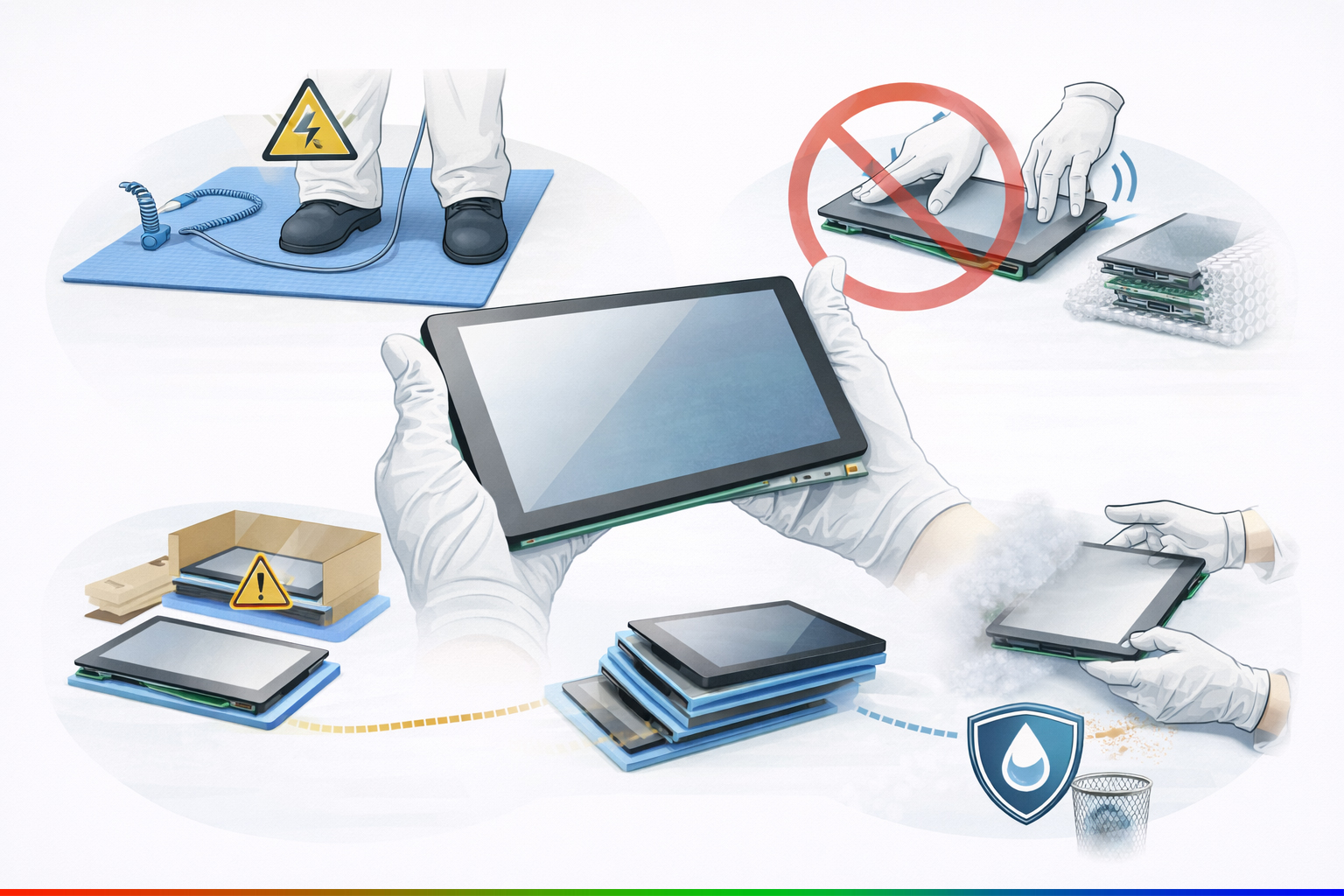
- ESD zones (ESD mats, wrist straps, shoes, tables, chairs, clothing)
- Regular ESD training to raise staff awareness.
- Regular ESD checks of, for example, ESD footwear, workstations, ESD wrist straps, floors, etc.
General handling
Important points regarding the handling of displays:
- No mechanical stress (excessive pressure or other forces should not be applied to the display at any time)
- Storage & transport (Displays should not be stacked too high and should be adequately padded)
- The protective film should, if possible, be removed as late as possible or not at all, to avoid scratches on the display surface
- Wear gloves to prevent soiling of surfaces
Prevention of damage
What can I do to prevent damage to the display?
- Hold the display only by the edges
- Put on gloves
- Store the display in a dry place
- Avoid dust
- Only install the display once it has reached room temperature to minimise stress on the display and prevent moisture condensation
Conclusion
Displays are sensitive high-tech components that can be permanently damaged by both electrostatic discharge and incorrect handling. Consistent ESD protection measures, careful handling without applying mechanical pressure, clean and dry working environments, as well as correct storage and transport are crucial. Holding displays only by the edges, using appropriate protective equipment and avoiding temperature and dust exposure significantly reduces the risk of damage.
Introduction
Modern displays (TFT, OLED, touch) are sensitive electronic components. Damage can result not only from electrostatic discharge (ESD) but also from improper handling – e.g. pressure, dirt or moisture. This white paper summarises the most important protective measures.
ESD
Even 100V can cause permanent, often invisible damage to the display.
How to prevent ESD damage:
- ESD zones (ESD mats, wrist straps, shoes, tables, chairs, clothing)
- Regular ESD training to raise staff awareness.
- Regular ESD checks of, for example, ESD footwear, workstations, ESD wrist straps, floors, etc.
General handling
Important points regarding the handling of displays:
- No mechanical stress (excessive pressure or other forces should not be applied to the display at any time)
- Storage & transport (Displays should not be stacked too high and should be adequately padded)
- The protective film should, if possible, be removed as late as possible or not at all, to avoid scratches on the display surface
- Wear gloves to prevent soiling of surfaces
Prevention of damage
What can I do to prevent damage to the display?
- Hold the display only by the edges
- Put on gloves
- Store the display in a dry place
- Avoid dust
- Only install the display once it has reached room temperature to minimise stress on the display and prevent moisture condensation
Conclusion
Displays are sensitive high-tech components that can be permanently damaged by both electrostatic discharge and incorrect handling. Consistent ESD protection measures, careful handling without applying mechanical pressure, clean and dry working environments, as well as correct storage and transport are crucial. Holding displays only by the edges, using appropriate protective equipment and avoiding temperature and dust exposure significantly reduces the risk of damage.